Branding
Give your volunteer portal, embed and emails your organization's colors and logo, with readable text worked out for you.
Your volunteers should feel they are on your site, not someone else's. Branding sets the colors and the logo they see on every page and email Causefolk shows them for you.
Where to find it
Settings → Branding. Only owners see it. "These colors and logo appear on your volunteer portal, embed and emails."
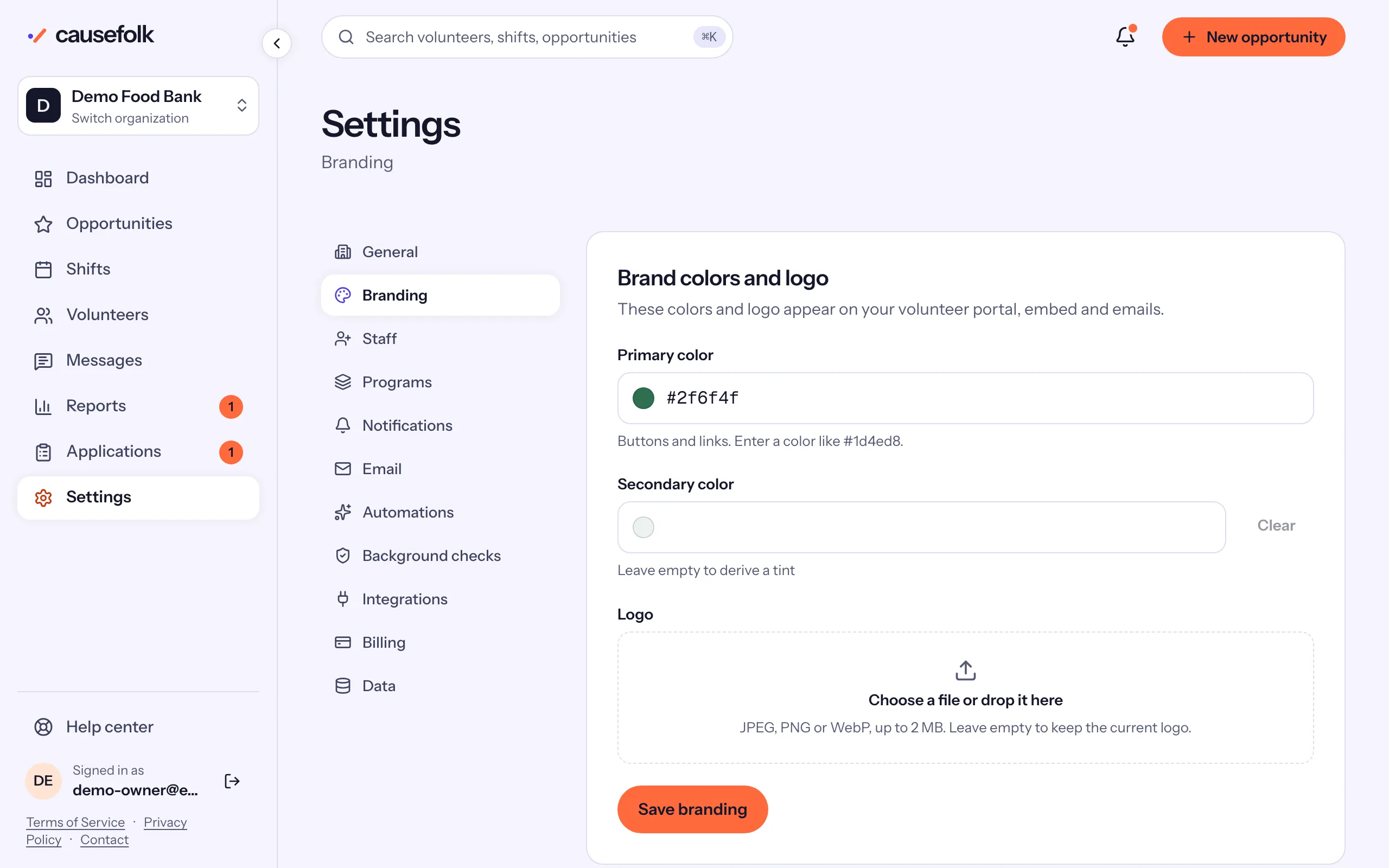
Set your colors
- Open Settings → Branding.
- Under Primary color, enter a color like
#1d4ed8, or use Pick primary color. It is used for "Buttons and links." - Optionally, set a Secondary color, the soft background of highlighted areas. "Leave empty to derive a tint" of the primary color. Clear empties it.
- Check the Preview card: "How your portal looks with these settings."
- Choose Save branding. "Branding saved."
Colors are six-digit hex codes. You can type them with or without the #, in capitals or not.
Readable text, worked out for you
Causefolk checks every color against the text on it, so volunteers can always read your pages:
- Text on buttons is white or near-black, whichever reads better on your primary color.
- Links and outlined buttons use a darker shade of your color when the color itself is too light to read on white: "Links and outlined buttons use a darker shade of this color so they stay readable."
- If neither white nor dark text is easy to read on your color, the form warns you: "Choose a darker or lighter primary color." The warning does not stop you saving, but volunteers may find your buttons hard to read.
Add your logo
- Under Logo, choose a file or drop it on the box.
- Choose Save branding.
The logo replaces your organization's name at the top of your portal and of the emails volunteers get, and appears on volunteers' certificates. Leave the field empty to keep the current logo.
Where your branding shows
| Where | What changes |
|---|---|
| Your volunteer portal and its pages (check-in, offers, the leaderboard) | Colors and logo |
| The signup form on your website | Colors; the snippet's own accent color, if set, wins |
| Volunteer emails | The header band with your logo or name, and the button color |
| Certificates | Your logo and name |
The staff app keeps Causefolk's own look.