Your volunteer site and the embed
Share your volunteer site's link, or put the same sign-up on your own website with the embed snippet or the WordPress plugin.
Volunteers find you in two ways: on your own volunteer site at Causefolk, or on your website through the embed. Both show the same published opportunities and the same sign-up, and everyone who signs up lands in the same volunteer list.
Where to find it
Settings → General, beside the settings form: the Your volunteer site card and the Embed snippet card. Only owners see this page. Colors and logo are under Settings → Branding.
Your volunteer site
Every organization has a site at your-subdomain.causefolk.com. It lists your published opportunities, each with "See shifts and sign up", plus My shifts for volunteers who have signed up and a switch to Español.
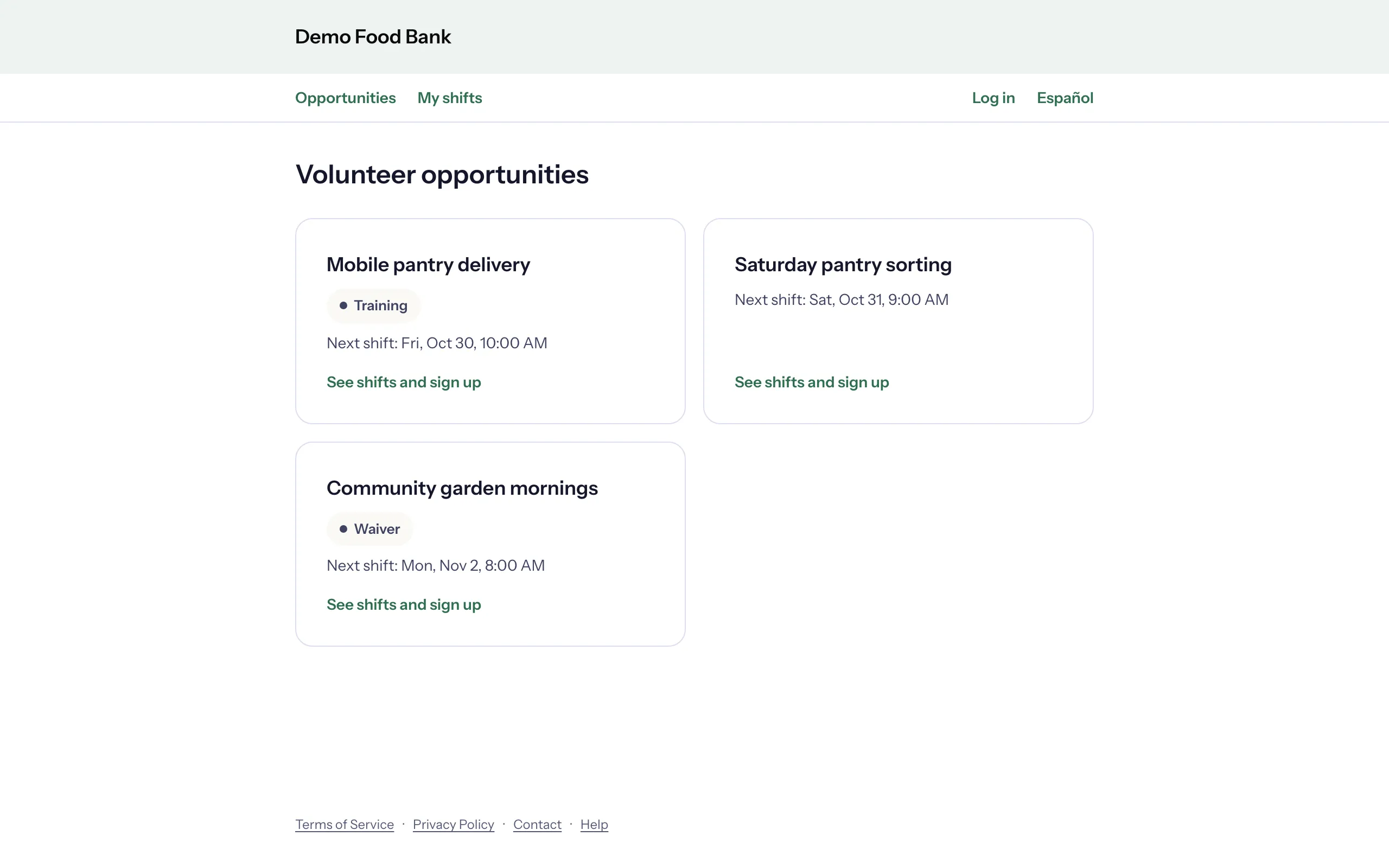
- In Your volunteer site, choose Copy link.
- Paste the link wherever people look for you: your newsletter, social media, a flyer or an email.
- Choose Open site to see it as a volunteer does (it opens in a new tab).
The embed snippet
The embed puts the same sign-up inside a page of your own website. Visitors never leave your site.
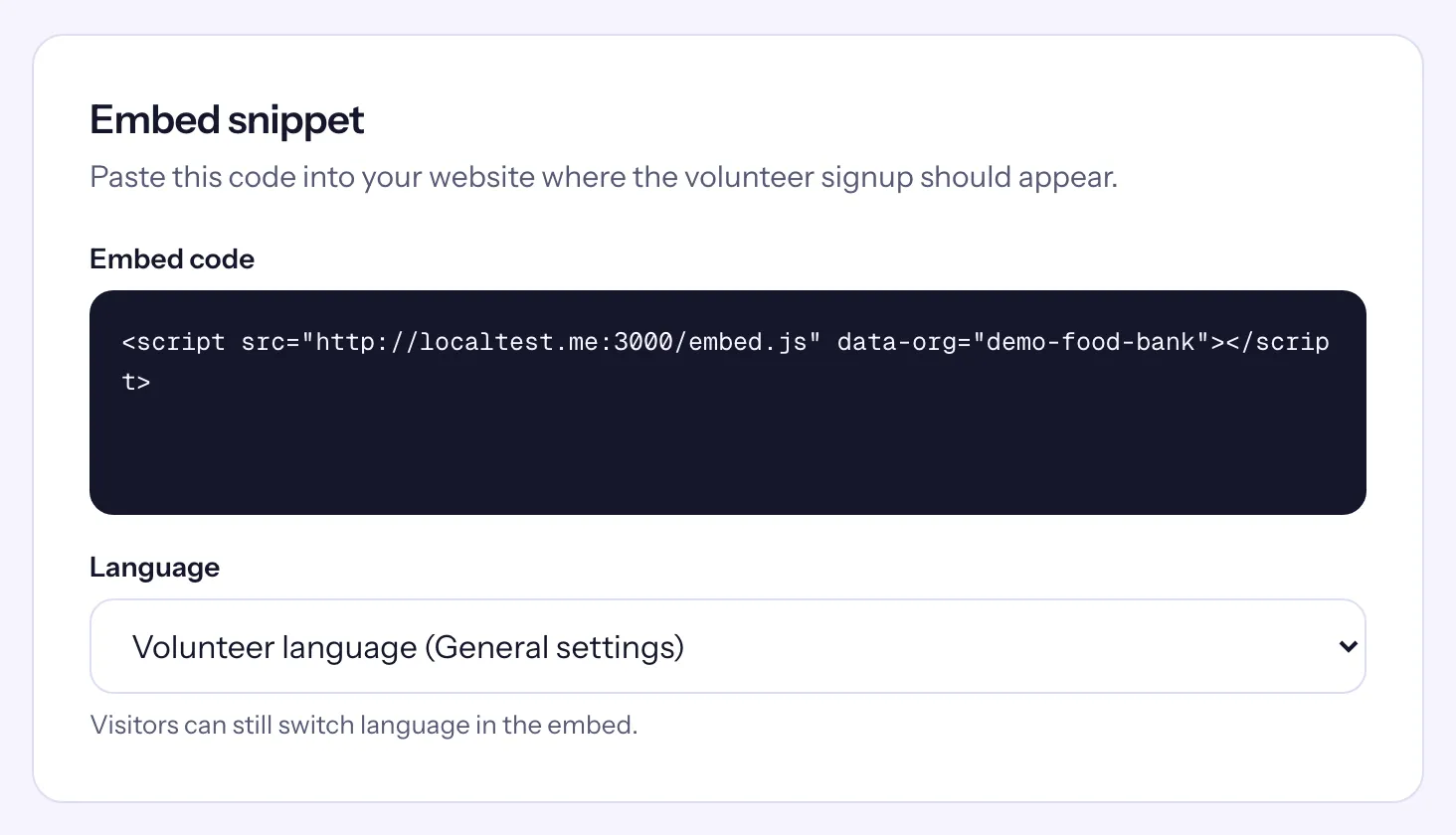
- In Embed snippet, choose the Language the embed opens in: Volunteer language (General settings), English or Spanish (Español). "Visitors can still switch language in the embed."
- Copy the whole Embed code: one short line that starts with
<script. - In your website's editor, paste it where the sign-up should appear, using an HTML or code block. Publish the page.
The embed grows to fit its content as visitors move through it.
Changing the embed by hand
The snippet accepts two more settings you can add inside the <script …> tag:
data-opportunity="…"shows one opportunity instead of the list. Use the opportunity's ID: the last part of its page address in the staff app, after/opportunities/.data-accent="#2f6f4f"sets the color of buttons and links in the embed, as a#and six lowercase hex digits. Without it, or with a value in another form, the embed uses the Primary color from Settings → Branding.
The WordPress plugin
If your website runs on WordPress, the Causefolk Embed plugin does the pasting for you.
- Install and activate the plugin. It adds a Causefolk page to your WordPress admin menu.
- Connect your organization: choose "I already have an organization" and sign in, or type your organization's slug (your subdomain, also the
data-orgvalue in the snippet). No organization yet? "Start your free trial" creates one and brings you back with the slug filled in. - Add the Causefolk Embed block to a page, or the
[causefolk_embed]shortcode. The block and the shortcode can show one opportunity, set an accent color and choose the language for that page.