Networks
Join a network such as a United Way and its partner agencies, see what it shares, and how network admins report on members, list their opportunities and invite staff.
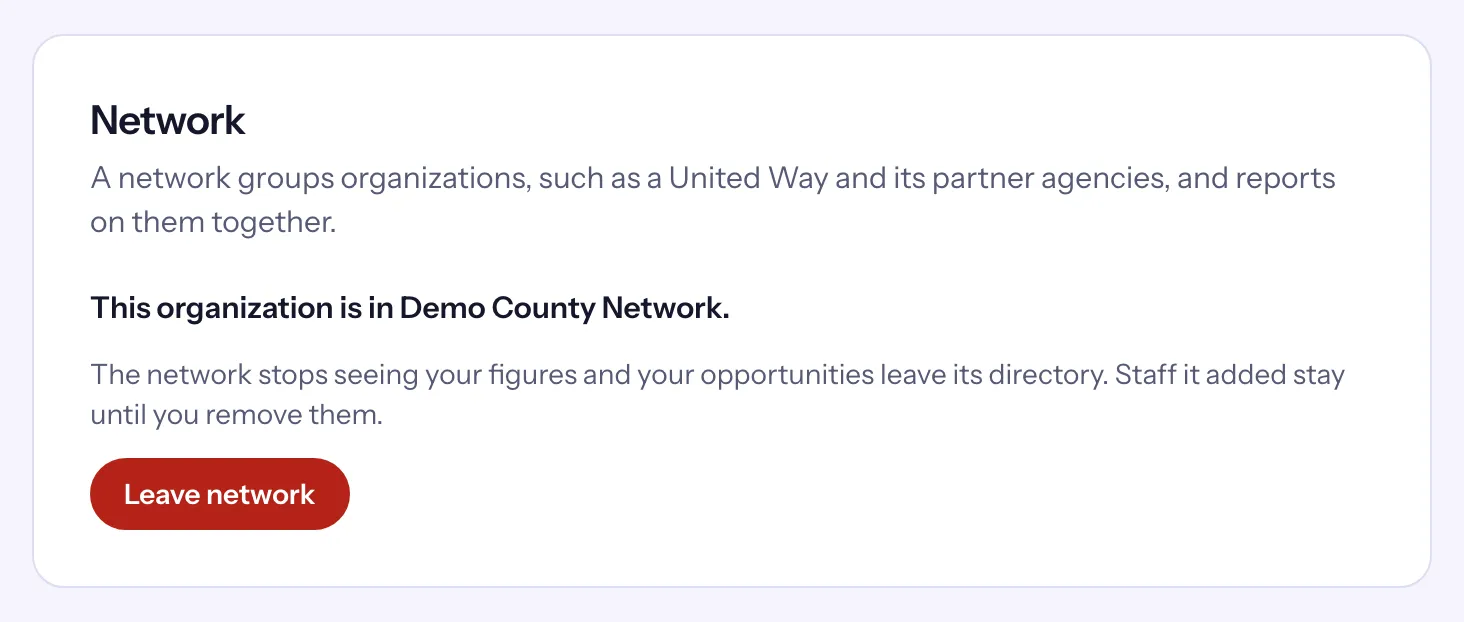
"A network groups organizations, such as a United Way and its partner agencies, and reports on them together." A network sees each member's totals and lists their opportunities in one public directory, but never their volunteers.
Where to find it
- Your organization: the Network card under Settings → General, for owners.
- The network: network members sign in to Causefolk as usual; the network appears in the organization switcher under Networks.
- The public directory: an address on causefolk.com ending in
/n/and the network's short name (its slug).
The Causefolk team creates networks and invites their first admin.
Join a network
A network admin invites your organization by its subdomain. Every owner gets an email, and the invitation waits in the Network card.
- Open Settings → General and find the Network card.
- Choose Review and accept. The card lists exactly what joining shares:
- "The network sees your organization's name, web address and logo, one status word (Active, Suspended or Closed), your number of volunteers, and the hours they gave in the periods it reports on. Your published opportunities appear in the network's public directory, linking to your own site."
- "It never sees your billing, your volunteers, their applications or your messages."
- "The network's admins may add staff and viewers to your organization. You can remove them under Settings → Staff, and they stay if you leave the network."
- Choose Accept and join, or Decline and confirm.
To leave, choose Leave network and confirm. "The network stops seeing your figures and your opportunities leave its directory." Staff the network added stay until you remove them.
What a network can do
Network members are admins or viewers. Viewers can look; admins can also change the network.
- Overview: organizations, people across organizations (someone in two organizations counts twice), hours and shifts held, for the period you choose.
- Organizations: each member's status word, volunteers and hours this year.
- Reports: hours by organization, with Download CSV, and month-by-month trends. Each organization's figures are counted in its own time zone.
- Directory: the public page's address with a preview.
- Members (admins): invite people as Admin or Viewer, resend, revoke or remove.
- Settings (admins): the network's name, color and logo; Invite organization by its subdomain; and Invite staff to organizations.
Staff invitations from a network
A network admin can invite one person to several member organizations at once, as Staff or Viewer, never as an owner or coordinator. Each organization gets its own invitation, shown under Settings → Staff as "Added by" the network, where your owners can revoke it or later remove the person. A closed organization is not invited.
The public directory
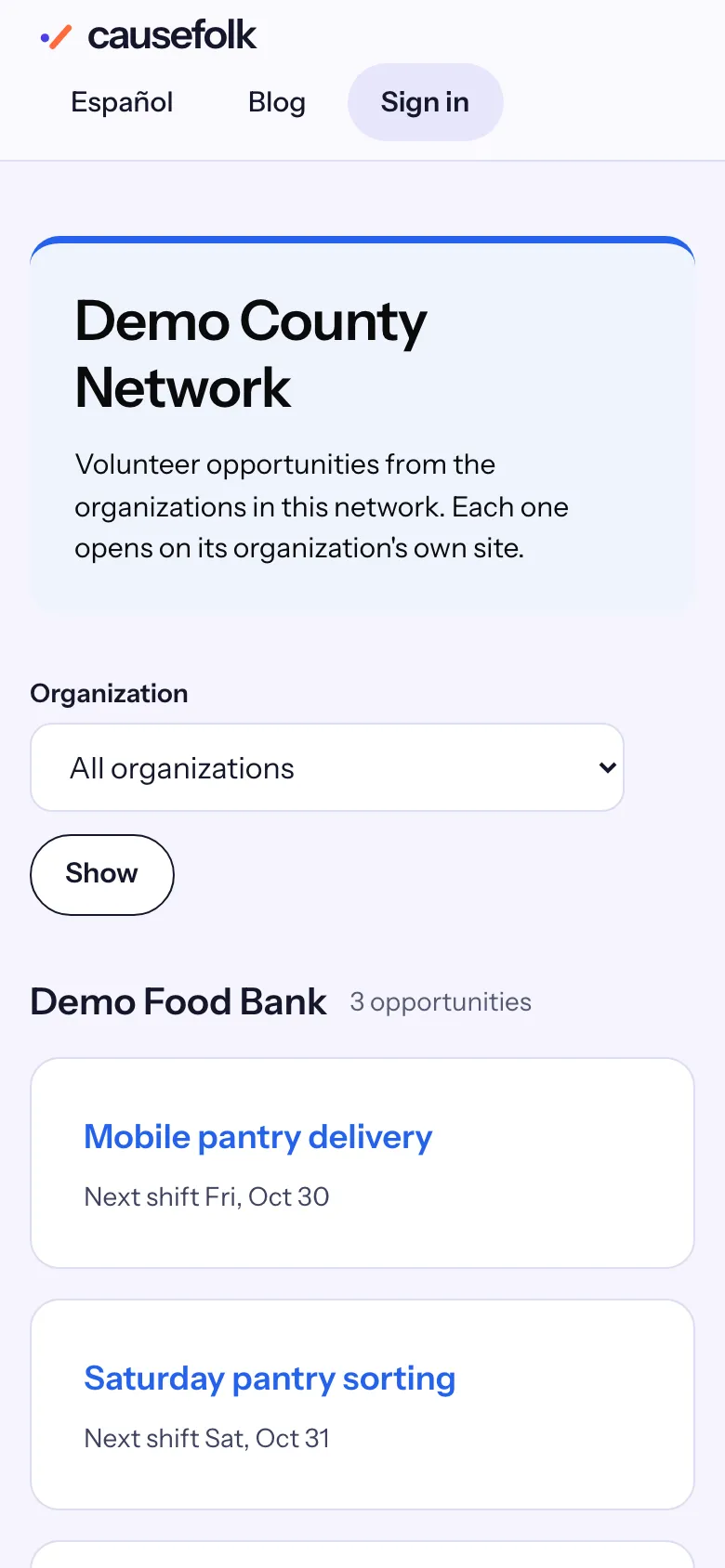
The directory lists the published opportunities that have an upcoming shift, from the network's open organizations, grouped by organization. Each one links to that organization's own site, where people sign up. Visitors can filter by organization, read it in English or Spanish, and search engines may list it.