Adding a volunteer by hand
Put someone on a shift or a series yourself, for a phone call, a walk-up or a regular who never uses the website.
Most volunteers arrive through your volunteer site or the embed. When someone calls, emails or turns up in person, you can sign them up yourself. Their record is created the moment you add them: there is no separate "new volunteer" form.
Where to find it
- On a shift: open the shift's page (Shifts in the sidebar, then the shift's time). The Add a volunteer card is under the roster.
- On a series: open the series page (Edit series on the opportunity's series row). It has the Members card and Add member by hand.
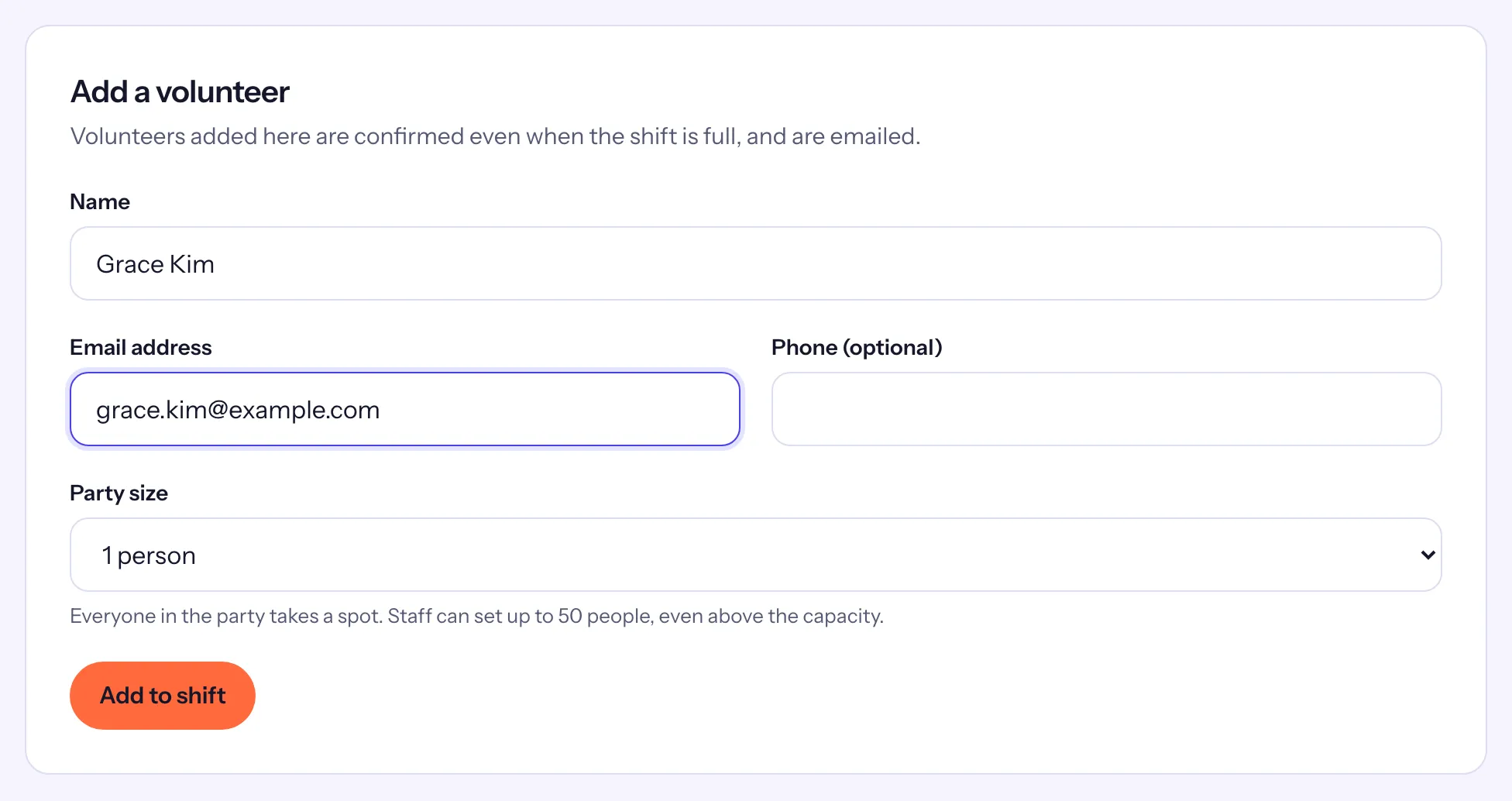
Add someone to a shift
- Enter their Name and Email address, and a Phone (optional).
- If the shift has roles, choose one under Role.
- If they are bringing others, choose the Party size and, if you like, each guest's name.
- Choose Add to shift.
The roster then reads "Grace Kim is confirmed for this shift.", and they get the same confirmation email as someone who signed up themselves, with their reminder before the shift.
Add someone to a series
On the series' Add member by hand card, enter the Name, Email address and Phone (optional), tick Add them to the waitlist on full dates if they should wait for a spot on full dates, and choose Add member. They are signed up for every upcoming date with room, and for new dates as the series adds them. See Recurring series.
When the email is already known
Causefolk matches people by email address:
- Someone who is already a volunteer keeps their record, name and phone; the shift is added to their history.
- Someone on the shift's waitlist is confirmed instead.
- Someone already confirmed on the shift is not added twice: the card says to use Edit party on their roster row to change their group.
What staff can do that volunteers cannot
Adding by hand skips the checks a volunteer meets when signing up themselves:
- The shift can be full. "Volunteers added here are confirmed even when the shift is full, and are emailed."
- The party can be larger than your organization's largest party, up to 50 people.
- The opportunity can require an approved application, a cleared background check or completed requirements. On the roster, a person without an approval shows Not approved, and a person missing a waiver, training or certification shows Requirements missing, so you can follow up.