Exporting volunteers
Download the volunteers you are looking at as a CSV file, with their status, tags, skills, emergency contact and more.
For staff
Export CSV turns the Volunteers list into a spreadsheet you can open in Excel, Google Sheets or Numbers: for a mailing, an insurance list or a board report.
Where to find it
Volunteers in the sidebar, then Export CSV at the top right of the page.
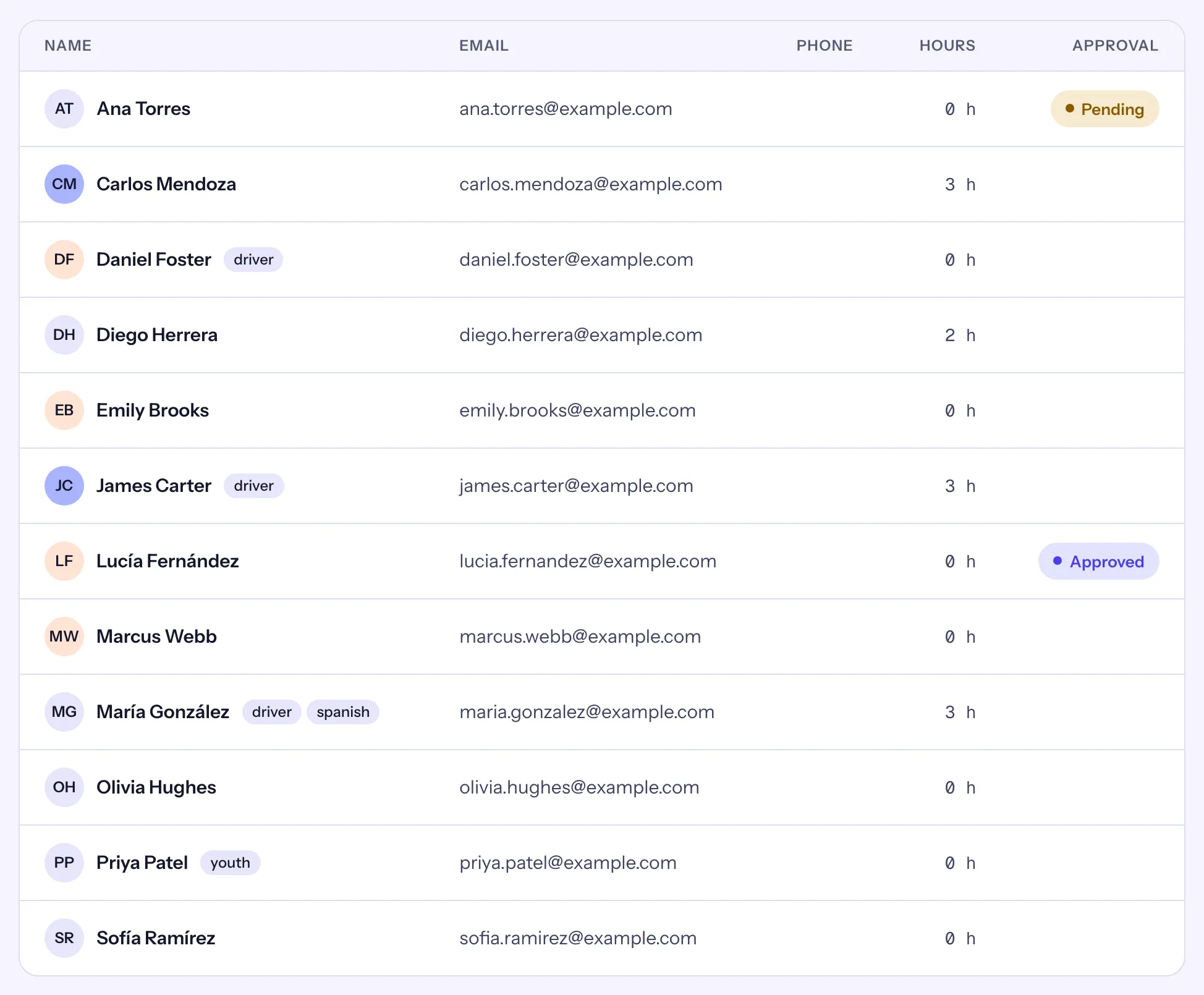
Export a list
- Open Volunteers.
- Narrow the list the way you want it: a status chip, a search, filters or a saved segment. See Search, filters and saved segments.
- Choose Export CSV. Your browser downloads
volunteers.csv.
The file holds exactly the volunteers the list selects, with the same status: with no status chip chosen, that is your active volunteers. Choose All first to include inactive and archived people. The page shows at most 200 people, but the file has every match.
The columns
| Column | What it holds |
|---|---|
| Name, Email, Phone | As on the record. |
| Approval | Their application's status (Pending, Approved, Declined, Revoked, Expired); empty if they never applied. |
| Hours | Their own hours, all time. Guests' hours are not included. |
| Status | Active, Inactive or Archived. |
| Tags, Skills | Separated by semicolons. |
| Availability | In words, such as "Saturday morning; Tuesday afternoon". |
| Emergency contact | Name · relationship · phone, the parts they gave. |
| Address | On one line. |
| Minor | Yes or No, by your organization's minor age today; empty when you do not know their date of birth. |
Other exports
- A shift's roster: Export roster (CSV) on the shift's page, one row per person, guests included. See Shifts, capacity and the roster.
- Hours: Download CSV on Reports.
- A full export of your organization's records, notes included: owners make it under Settings → Data.