Español
Switch the volunteer portal, My volunteering, your emails and your texts to Spanish, and keep that choice on every device.
Everything Causefolk shows volunteers comes in English and in Spanish: the portal, the signup form on an organization's website, My volunteering, the sign-in pages, and the emails and texts you get. You choose the language; your choice is remembered.
Todo lo que Causefolk muestra a los voluntarios está en inglés y en español. Elige Español en el menú del portal.
Where to find it
The language switch is in the portal's menu, at the top of My volunteering, on the sign-in pages and on the signup form an organization puts on its website. It is named in the other language: Español while the page is in English, English while it is in Spanish.
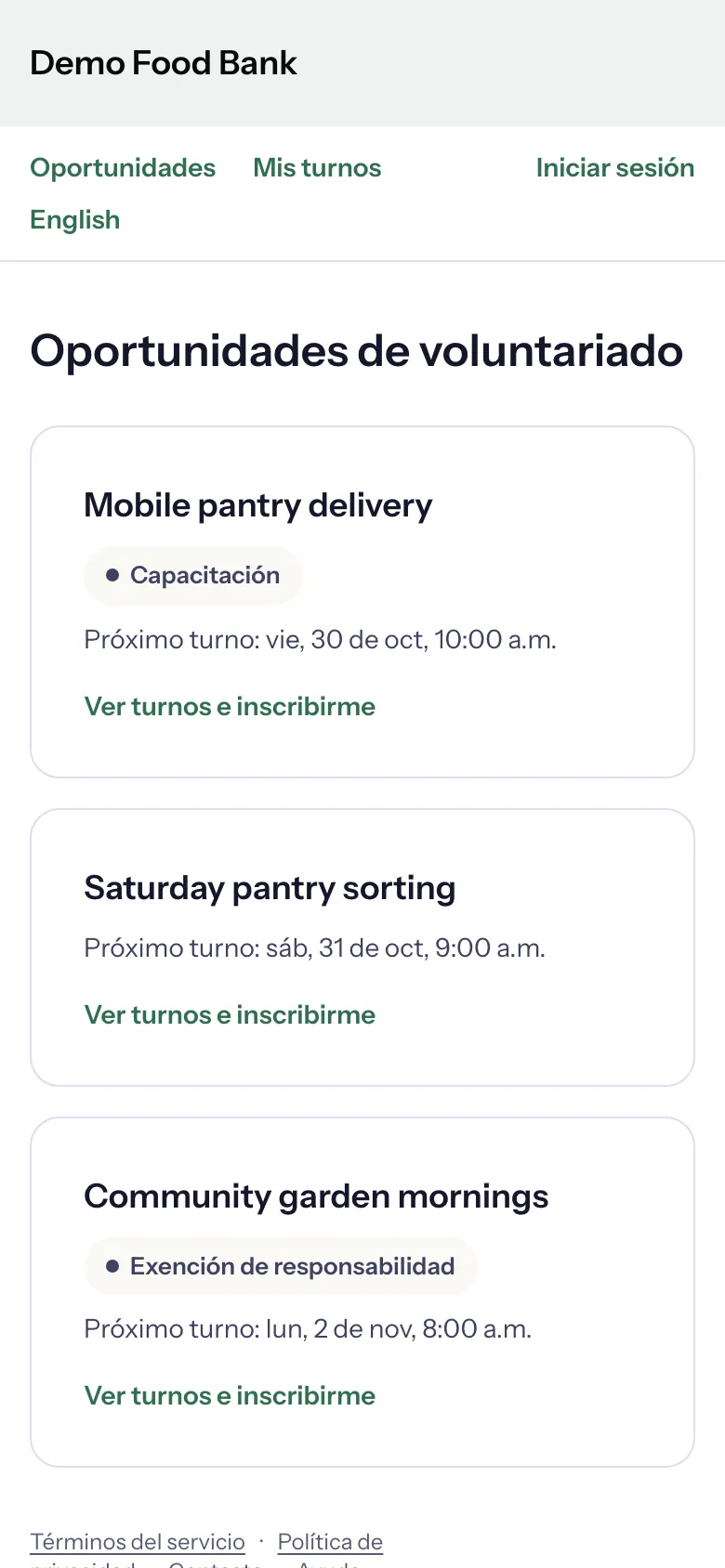
Switch to Spanish
- Choose Español in the menu.
- The page reloads in Spanish, and so does every page after it.
To go back, choose English.
How your choice is remembered
- Not logged in: the choice is remembered on this device, in this browser, for a year.
- Logged in: it is also saved with your volunteer record. Emails and texts then come in your language, and when you log in on a new device the pages open in it too.
On a shared device, each person who logs in sees their own language.
If you never choose, the portal opens in the language the organization picked for new visitors, and My volunteering in your browser's language.
What changes, and what does not
Causefolk translates everything it writes: buttons, forms, error messages, emails, texts, your certificate and your badges.
The organization's own words stay as they wrote them: the names and descriptions of opportunities, application questions, waivers, notes on your hours, and the messages its team sends you. An organization that writes in English stays in English.